Rendered by the API
Six slides, six API calls, zero design sessions
A real carousel, rendered from one template and a six-item JSON file by the script in the guide. Scroll it like you would on your phone.




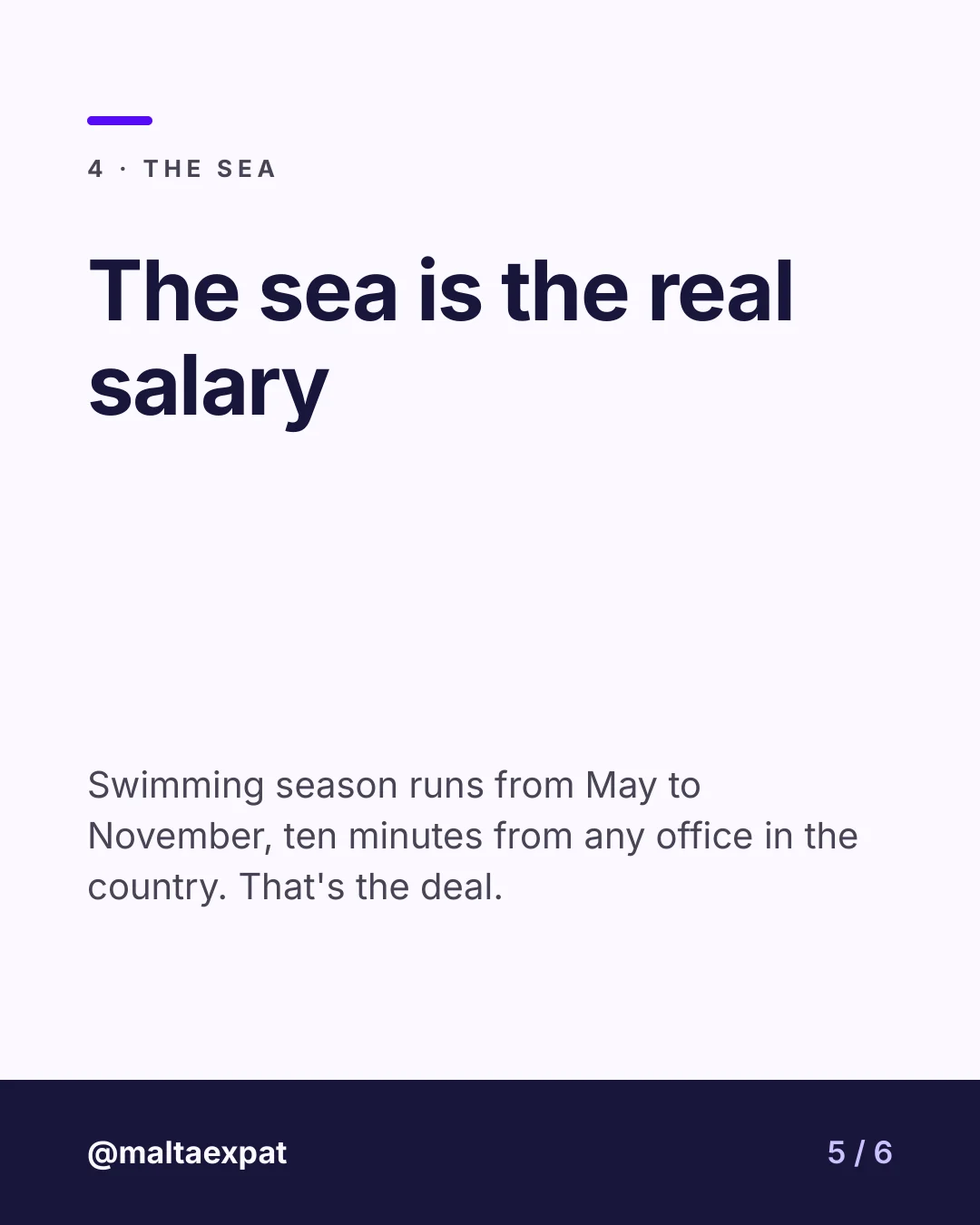

Turn any data source into Instagram carousels: one slide template, one API call per slide, and your scheduler posts the result. This is the pipeline we run for our own accounts.
A real carousel, rendered from one template and a six-item JSON file by the script in the guide. Scroll it like you would on your phone.
No carousel button, no magic: a template, a loop, a scheduler. Which is exactly why it runs every day.
An article, a row in a spreadsheet, a JSON file — anything that gives you a title and a few lines of text per slide. That is the whole input.
Build it in the editor, or describe it and let the authoring agent write it for you. Every text block is a named layer the API can replace: kicker, title, body, slide counter. 1080×1350 or 1080×1080, your call.
One API call per slide, with that slide's text. Six slides, six calls, six images back — PNG, JPEG or WebP. A short script does the loop.
Nadia, or any tool that takes a set of images and posts a carousel on a date. TemplateFox renders; your scheduler publishes.
Each call names the layers to change and the text to put in them. The response is the image. The full loop, in Python, is in the guide.
curl -X POST https://api.templatefox.com/v1/image/create \
  -H "x-api-key: sk_your_api_key" \
  -H "Content-Type: application/json" \
  -d '{
    "template_id": "your-template-id",
    "format": "png",
    "modifications": [
      { "name": "kicker",  "text": "1 · Rent" },
      { "name": "title",   "text": "Rent is the first shock" },
      { "name": "body",    "text": "Sliema and St Julian’s cost the most…" },
      { "name": "counter", "text": "2 / 6" }
    ]
}'import { Configuration, ImageApi } from "@templatefox/sdk";
const api = new ImageApi(new Configuration({ apiKey: "sk_your_api_key" }));
// One call per slide — loop over your slides array.
const slide = await api.createImage({
templateId: "your-template-id",
format: "png",
modifications: [
{ name: "kicker", text: "1 · Rent" },
{ name: "title", text: "Rent is the first shock" },
{ name: "counter", text: "2 / 6" },
],
});
console.log(slide.url);Also available in Python, PHP, Ruby, Go, Java and C# — see the SDK docs.
Today the pipeline runs through the API and the guide above. We are measuring who wants a packaged version: paste your content, pick a template, get the carousel scheduled. Leave your email and you will be the first to know.